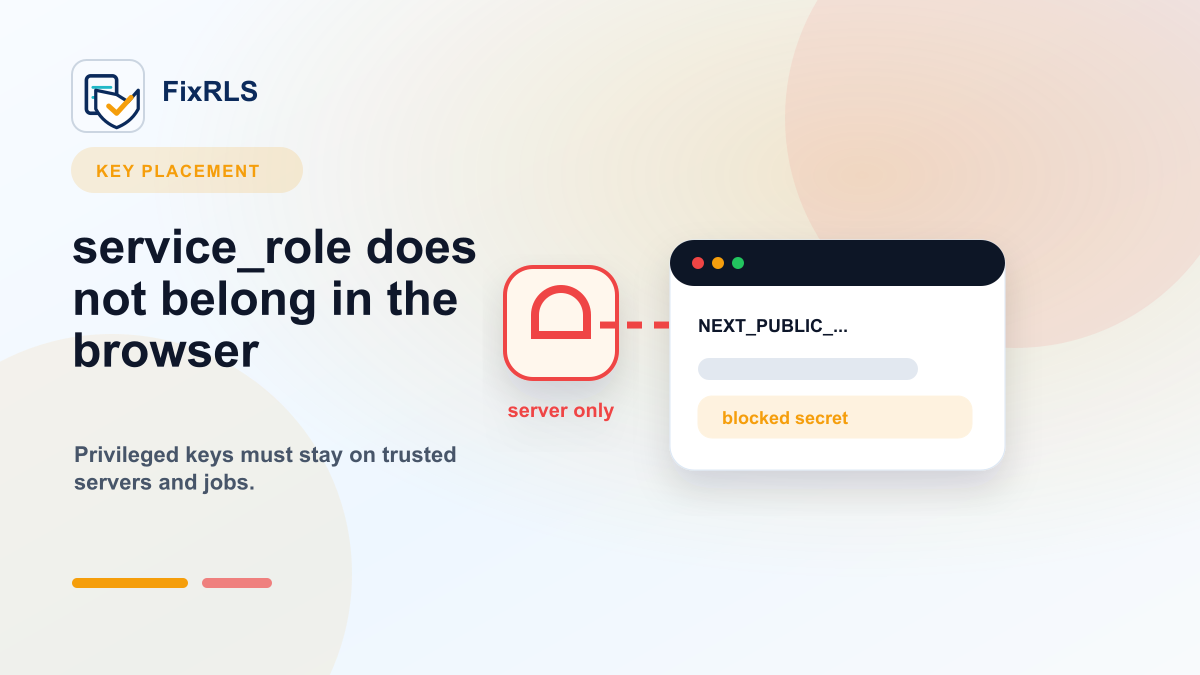
Why You Should Never Put Your Supabase `service_role` Key in the Frontend
Why the Supabase service_role key must stay out of browser code and what to do if it leaked.
Supabase projects usually expose more than one key.
That can confuse developers, especially when an app is generated by an AI coding tool and something does not work.
A common mistake is to reach for the service_role key because it "fixes" the problem.
It does fix one problem.
It creates a much bigger one.
What the service_role key does
The Supabase service_role key is powerful because it can bypass Row Level Security.
That makes it useful for trusted backend environments.
Examples:
- server-side admin jobs
- backend scripts
- secure API routes
- migration or maintenance tasks
- trusted service-to-service operations
It is not meant for browser code.
Why it is dangerous in the frontend
Anything shipped to the browser should be treated as public.
If your frontend JavaScript contains a secret, users can inspect it.
They can find it in:
- browser devtools
- bundled JavaScript
- network requests
- source maps
- logs
- copied code snippets
If a service_role key leaks, an attacker may be able to bypass the RLS policies that were supposed to protect your data.
The misleading part
The dangerous thing about the service_role key is that it often appears to solve the immediate issue.
For example, you may see:
new row violates row-level security policyThen you ask an AI assistant for help.
It might suggest using the service_role key.
The app starts working.
The error disappears.
But the reason it works is that you bypassed the authorization layer.
That is not the same as fixing RLS.
What should go in frontend code?
For browser-side Supabase clients, use the public key intended for frontend use.
In newer Supabase projects, that is commonly the publishable key.
In older code and many tutorials, you may see the anon key.
The important rule is:
Frontend keys are public. Secret keys belong on the server.
Your frontend key should still be protected by RLS policies.
The key itself is not your security boundary.
RLS is.
A safer pattern
Use the public key in the browser:
const supabase = createClient(
  process.env.NEXT_PUBLIC_SUPABASE_URL!,
  process.env.NEXT_PUBLIC_SUPABASE_PUBLISHABLE_KEY!
);
Use secret keys only on the server:
const supabaseAdmin = createClient(
  process.env.SUPABASE_URL!,
  process.env.SUPABASE_SERVICE_ROLE_KEY!
);
And keep server-only environment variables out of NEXT_PUBLIC_.
In Next.js, that prefix matters.
Anything with NEXT_PUBLIC_ is intended to be exposed to the browser.
When you think you need service_role
Before using service_role, ask:
- Is this operation truly administrative?
- Does it need to bypass user-level access rules?
- Can it run in a server-only context?
- Is there an RLS policy that would solve this instead?
For normal user actions like creating a todo, updating a profile, or reading user-owned records, the answer is usually:
You need a better RLS policy, not a service_role key.
What to do if you already exposed it
If you accidentally exposed a service_role key:
- Remove it from frontend code.
- Rotate the key in Supabase.
- Check deployment environment variables.
- Search the repository history.
- Review logs and build output.
- Replace the bypass with proper RLS policies.
- Test that users cannot access other users' data.
Do not just delete the variable and move on.
Assume it may have been copied.
Why I built a small checker-style guide
I built FixRLS to help developers reason through Supabase key placement and RLS fixes without asking them to paste secrets.
It does not connect to your Supabase project.
It does not request your keys.
It generates guidance, repair prompts, RLS starting points, and proof-of-fix tests.
For service role key issues, start here:
https://fixrls.dev/supabase-service-role-key
Final thought
If a service_role key makes your frontend app work, that is a warning sign.
It means you probably bypassed the policy layer instead of fixing it.
The safer path is:
- public key in the browser
- secret key on the server
- RLS policies for user access
- proof-of-fix tests for both allowed and denied cases
Related FixRLS page
For this specific issue, use the matching FixRLS page: https://fixrls.dev/supabase-service-role-key
Author

Categories
More Posts
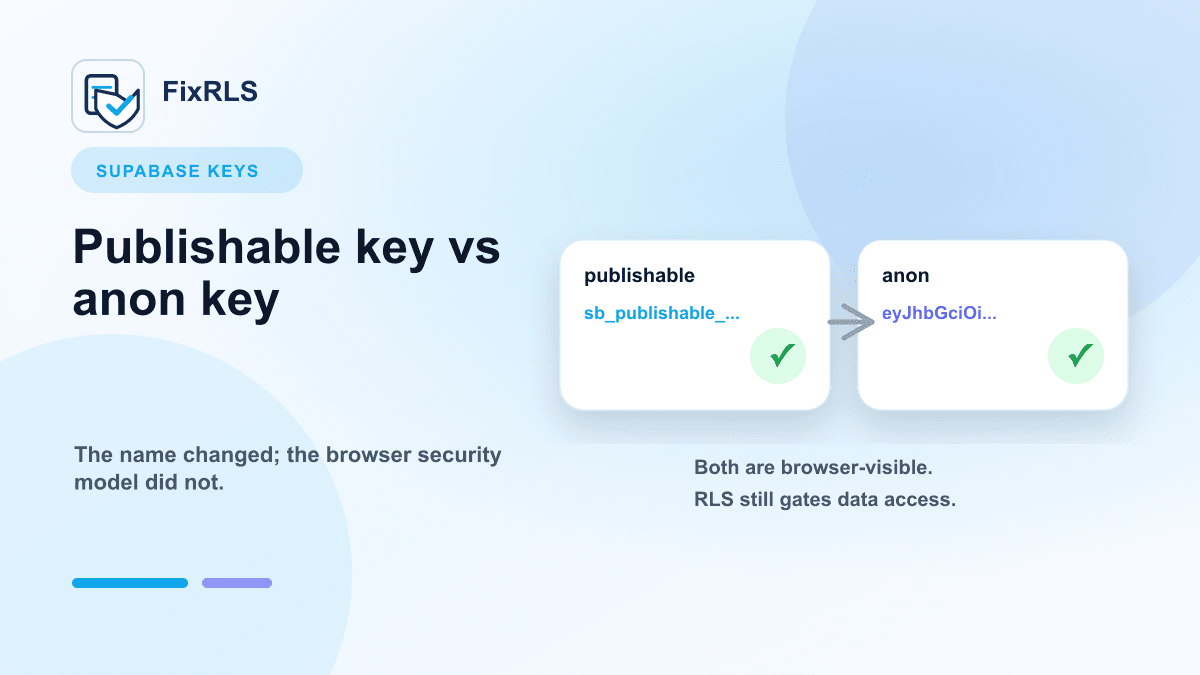
Supabase Publishable Key vs Anon Key: What Actually Matters
What matters when choosing between Supabase publishable keys and anon keys for frontend apps.
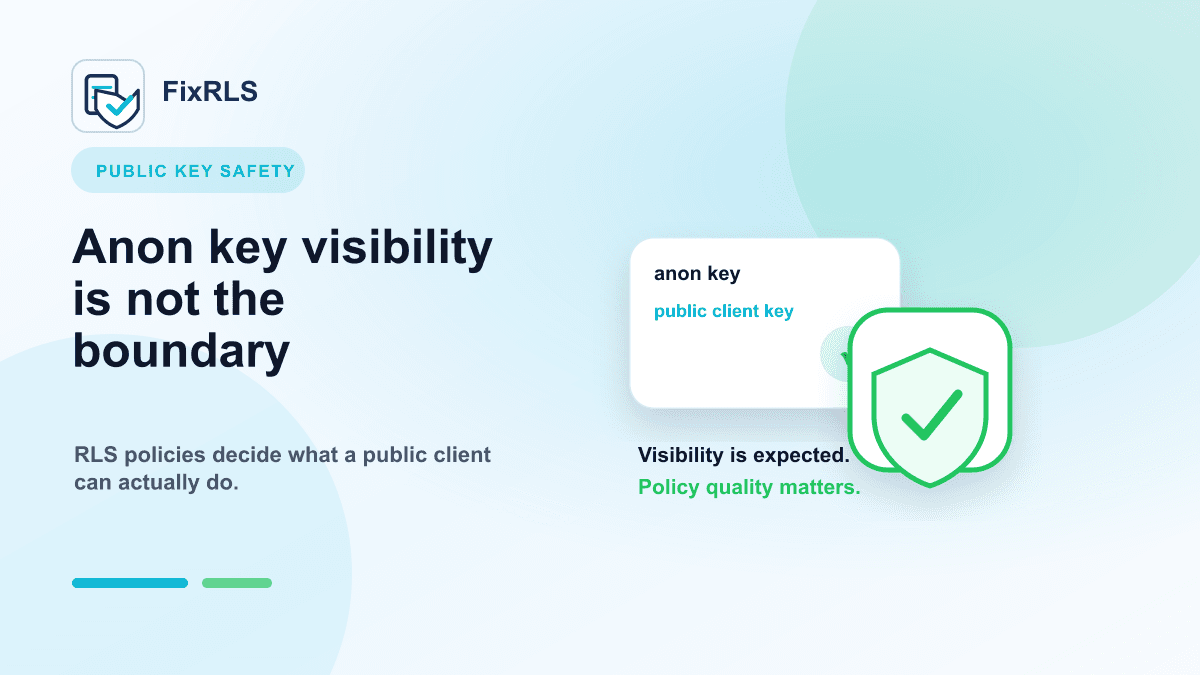
Is It Safe to Expose Your Supabase Anon Key?
How to reason about visible Supabase anon keys, RLS policies, and what actually protects user data.
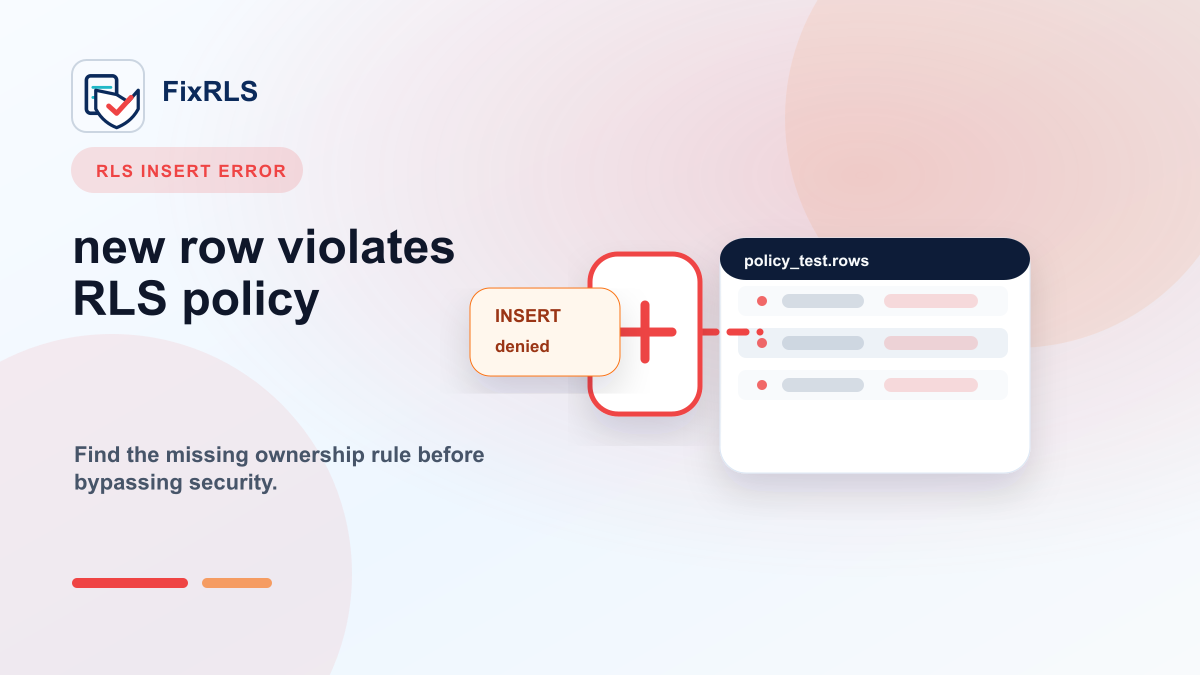
How I Fixed "new row violates row-level security policy" in Supabase
A practical mental model for fixing Supabase new row violates row-level security policy errors without bypassing RLS.
Newsletter
Join the community
Subscribe to our newsletter for the latest news and updates