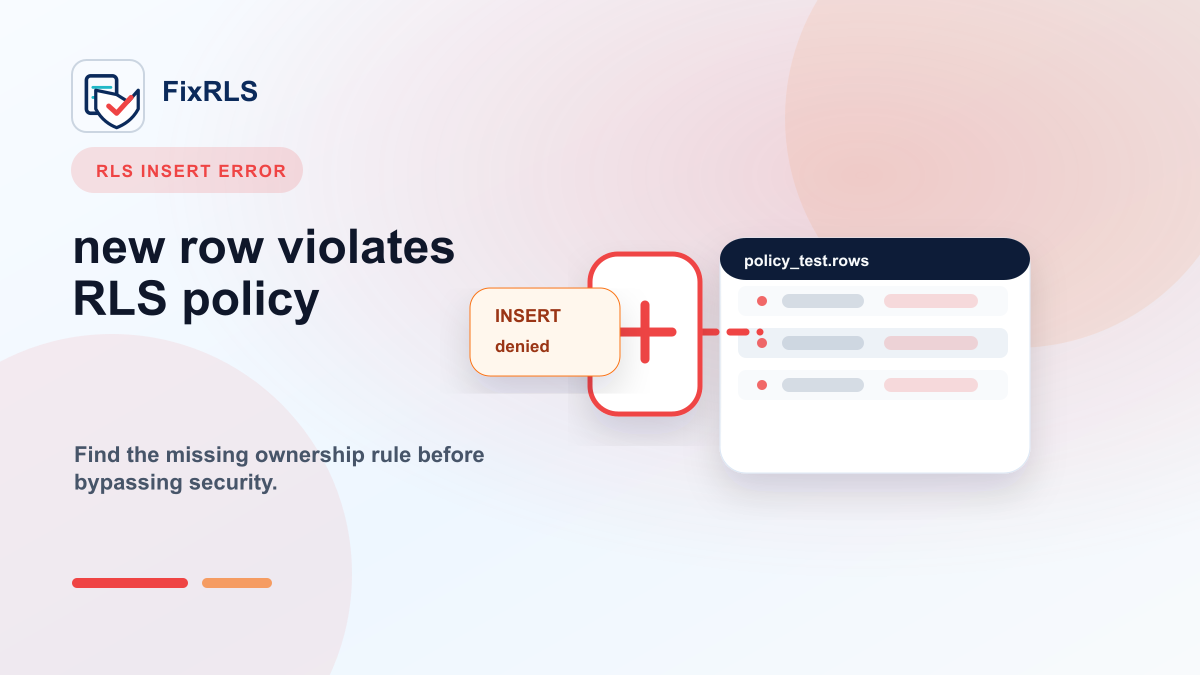
How I Fixed "new row violates row-level security policy" in Supabase
A practical mental model for fixing Supabase new row violates row-level security policy errors without bypassing RLS.
If you build with Supabase long enough, you will probably see this error:
new row violates row-level security policyIt usually appears at the worst possible time.
Your authentication works.
Your table exists.
Your insert query looks fine.
But Supabase still refuses to write the row.
I kept seeing this error in projects generated with Cursor, Lovable, Bolt, Claude Code, and other AI coding tools. The pattern was almost always the same: the app was generated quickly, but the authorization model was never fully defined.
This post walks through the mental model I now use to debug the error.
What this error actually means
The error does not mean Supabase is broken.
It usually means:
Row Level Security is enabled, but there is no policy allowing this operation for the current user.
For example, if your table has RLS enabled and you try to insert a row as an authenticated user, Supabase checks whether an INSERT policy allows that specific row.
If no policy matches, the insert fails.
That is the point of RLS.
The database is saying:
I know who you are, but I do not have a rule that says you may create this row.
The mistake I see most often
Many AI-generated apps create a table like this:
create table todos (
  id uuid primary key default gen_random_uuid(),
  user_id uuid not null,
  title text not null,
  created_at timestamptz default now()
);
Then the frontend tries to insert:
await supabase.from("todos").insert({
  title: "Ship the app",
  user_id: user.id
});
But if RLS is enabled and there is no insert policy, Supabase rejects it.
The table structure is valid.
The frontend code is valid.
The missing piece is the RLS policy.
Start with one question: who owns the row?
Before writing SQL, ask:
Who should be allowed to create, read, update, or delete this row?
For a simple personal todo app, the answer is:
The authenticated user may only access rows where user_id = auth.uid().
That gives you the shape of the policy.
A basic insert policy
For user-owned rows, a common insert policy looks like this:
create policy "Users can insert their own todos"
on todos
for insert
to authenticated
with check (
  auth.uid() = user_id
);
The important part is:
with check (
  auth.uid() = user_id
)
This tells Supabase:
Allow the insert only if the row being inserted belongs to the authenticated user.
A matching select policy
If you also want users to read their own rows, add:
create policy "Users can view their own todos"
on todos
for select
to authenticated
using (
  auth.uid() = user_id
);
Now Supabase has two rules:
WITH CHECKcontrols what rows the user may createUSINGcontrols what rows the user may read
Why "just disable RLS" is the wrong fix
A common AI-generated answer is:
Disable RLS temporarily.That may make the error disappear, but it removes the protection you probably needed.
Another common answer is:
Use the service_role key.That is even more dangerous if it ends up in frontend code.
The correct fix is usually not to bypass RLS. The correct fix is to define the missing policy.
How I verify the fix
Do not stop when the error disappears.
Test both sides:
- The correct user can insert and read the row.
- A different user cannot read or update that row.
The second test is the one people often forget.
If User A can see User B's data, the app is not fixed.
It is only less noisy.
A small tool I built
I kept running into the same RLS patterns, so I built a small tool called FixRLS.
It does not connect to your Supabase project.
It does not ask for secrets.
It does not scan your database.
It helps generate RLS SQL starting points, AI repair prompts, key placement guidance, and proof-of-fix tests for common Supabase scenarios.
You can try it here:
https://fixrls.dev/new-row-violates-row-level-security-policy
Final thought
The Supabase error message is frustrating, but it is usually a sign that the database is protecting you.
The fix is not to turn security off.
The fix is to clearly define:
- who owns the row
- which operation is allowed
- what condition proves ownership
- how to test the negative case
That is the difference between "the error went away" and "the app is actually safer."
Related FixRLS page
For this specific issue, use the matching FixRLS page: https://fixrls.dev/new-row-violates-row-level-security-policy
Author

Categories
More Posts
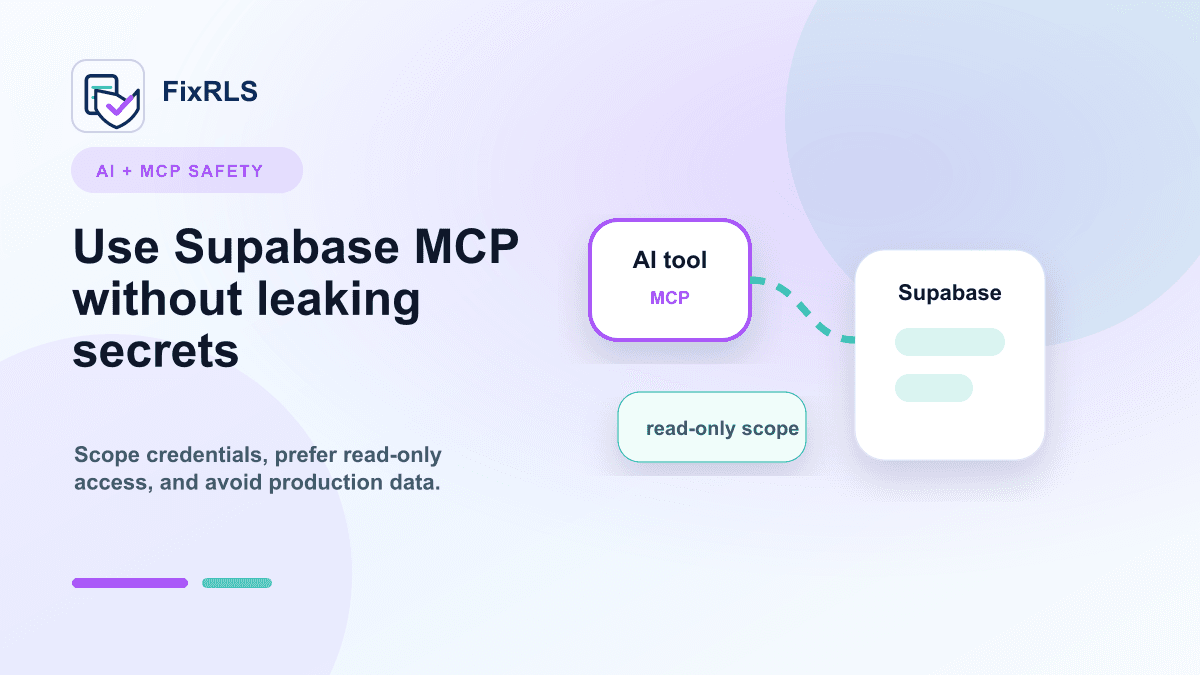
Using Supabase MCP with Cursor and Claude Code Without Leaking Secrets
A practical checklist for using Supabase MCP with Cursor and Claude Code without leaking powerful secrets.
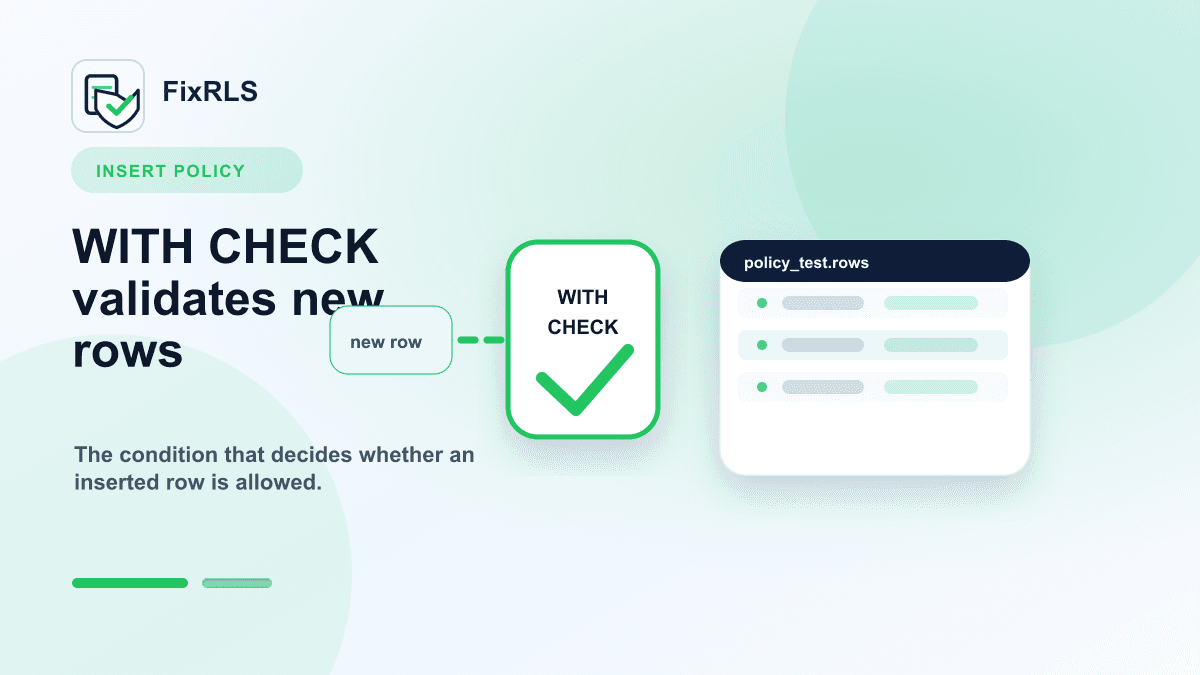
Supabase RLS INSERT Policies: Why `WITH CHECK` Matters
Why Supabase INSERT policies need WITH CHECK and how that differs from USING for existing rows.
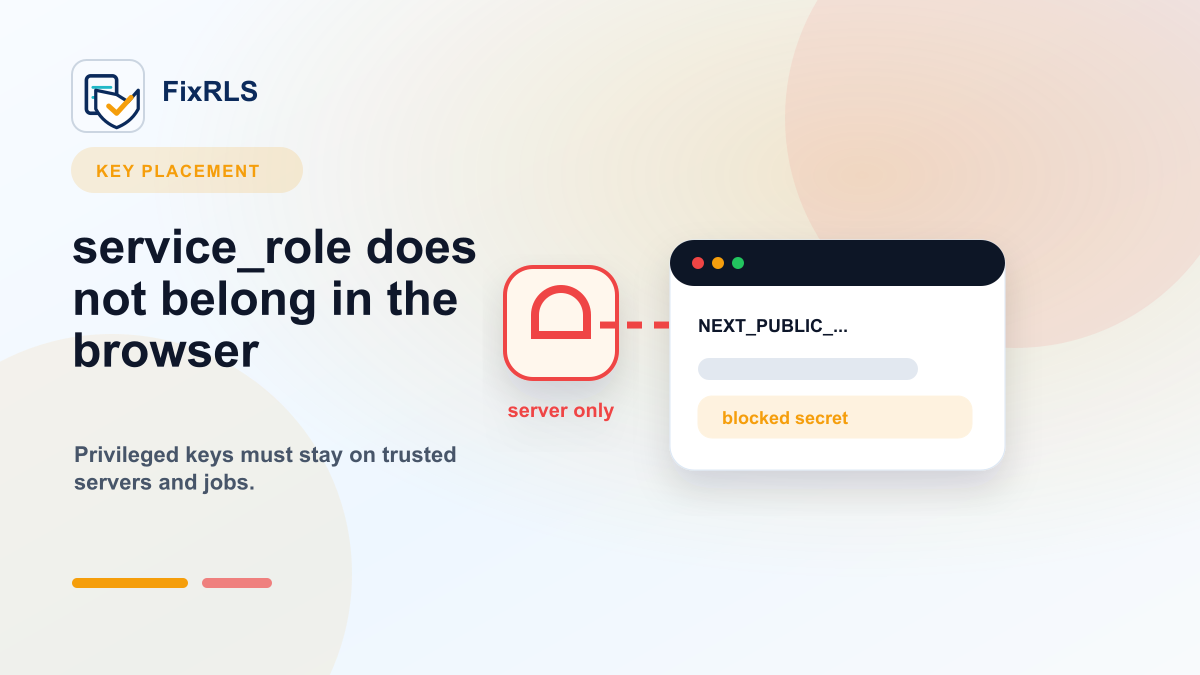
Why You Should Never Put Your Supabase `service_role` Key in the Frontend
Why the Supabase service_role key must stay out of browser code and what to do if it leaked.
Newsletter
Join the community
Subscribe to our newsletter for the latest news and updates