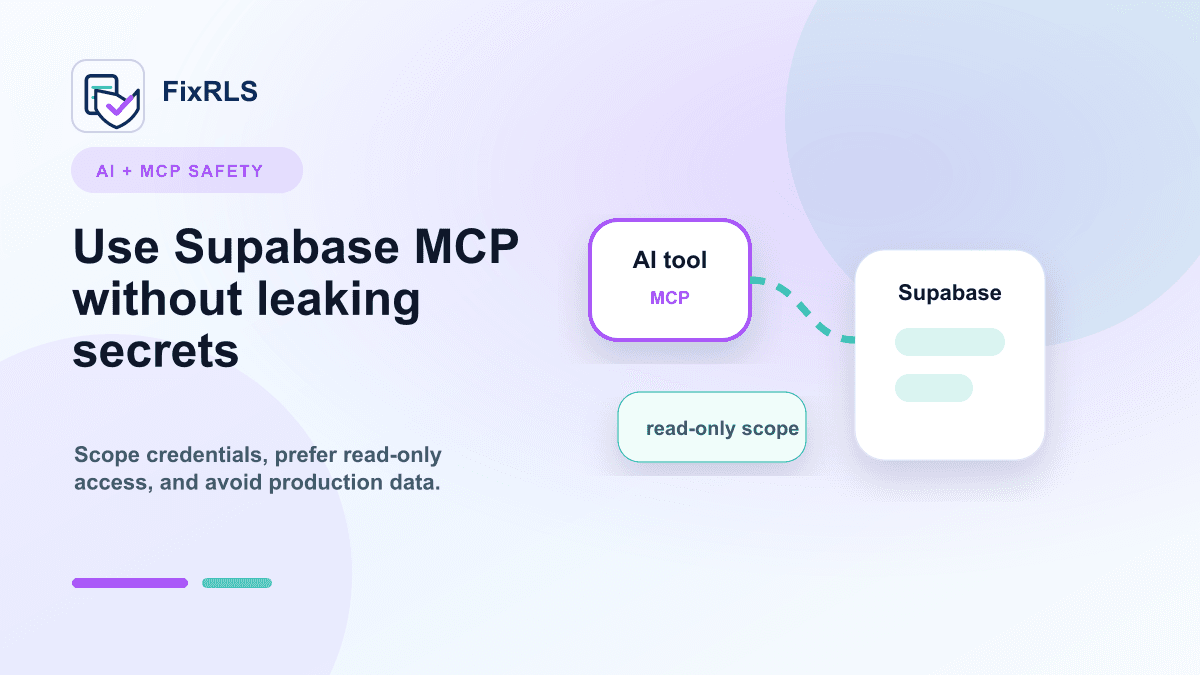
Using Supabase MCP with Cursor and Claude Code Without Leaking Secrets
A practical checklist for using Supabase MCP with Cursor and Claude Code without leaking powerful secrets.
MCP has made AI coding tools much more useful.
With the right setup, tools like Cursor and Claude Code can inspect project context, generate migrations, help with SQL, and speed up debugging.
But when Supabase enters the workflow, there is one risk developers should take seriously:
Do not casually hand powerful database credentials to an AI tool.
This post is not an anti-MCP post.
It is a practical checklist for using Supabase MCP more safely.
The core risk
When an AI coding tool has access to a powerful token, the issue is not only whether the model is "smart."
The issue is scope.
What can the connected tool do?
Can it:
- read production data?
- write production data?
- modify schema?
- bypass RLS?
- access secrets?
- run destructive SQL?
If the answer is yes, the setup deserves extra care.
The mistake to avoid
Do not paste or configure a service_role key casually in an AI coding environment.
The service_role key can bypass Row Level Security.
That makes it useful for trusted backend operations.
It also makes it dangerous if placed in the wrong context.
If an AI tool suggests using service_role to fix an RLS error, pause.
The safer fix is often to write the correct RLS policy.
Use least privilege
A safer MCP setup starts with least privilege.
Ask:
- Does the tool need production access?
- Does it need write access?
- Does it need access to user data?
- Can this be done against a local or staging database?
- Can I provide schema-only context instead of credentials?
For many development tasks, the tool does not need production secrets.
Prefer local or staging projects
If you are experimenting with Supabase MCP, start with:
- local Supabase
- a staging project
- seed data
- limited test accounts
- throwaway credentials
Avoid giving an AI coding tool broad production access as the default.
The more powerful the credential, the more isolated the environment should be.
Separate schema work from data work
A lot of AI assistance only needs schema context.
For example, the model can help with:
- table design
- RLS policy drafts
- migration review
- SQL formatting
- test case generation
That does not always require live access to user data.
If you can provide schema snippets manually, that may be safer than connecting a live production database.
Treat generated SQL as a draft
Even if the AI tool generates useful SQL, review it before running it.
Especially check for:
using (true)with check (true)alter table ... disable row level security;security definerdrop tabledelete fromThese are not always wrong, but they deserve attention.
Add proof-of-fix tests
For RLS changes, do not only test the successful case.
Test:
- The correct user can access the row.
- A different user cannot access the row.
- An unauthenticated user gets the expected result.
- Inserts cannot spoof ownership.
- Updates cannot transfer ownership.
This matters more than whether the app "seems to work."
A practical setup checklist
Before connecting Supabase to an AI coding tool, check:
- No production
service_rolekey in the AI tool config - No secrets committed to the repo
- No secret keys in screenshots or prompts
- Local or staging project used first
- RLS enabled on user data tables
- Generated SQL reviewed before execution
- Negative access tests run after policy changes
- Credentials rotated if exposed
This is not perfect security.
It is a practical baseline.
A tool I built
I built FixRLS because I kept seeing developers combine AI coding tools, Supabase, and RLS without a clear safety checklist.
FixRLS does not connect to Supabase and does not ask for secrets. It generates MCP setup guidance, RLS starting points, AI repair prompts, and proof-of-fix tests.
For Supabase MCP guidance, start here:
https://fixrls.dev/supabase-mcp-safe-setup
Final thought
AI coding tools are useful.
Supabase is useful.
MCP is useful.
The risk appears when powerful credentials are connected without clear boundaries.
Use AI to speed up the work, but keep secrets scoped, environments isolated, and RLS changes tested.
Related FixRLS page
For this specific issue, use the matching FixRLS page: https://fixrls.dev/supabase-mcp-safe-setup
Author

Categories
More Posts
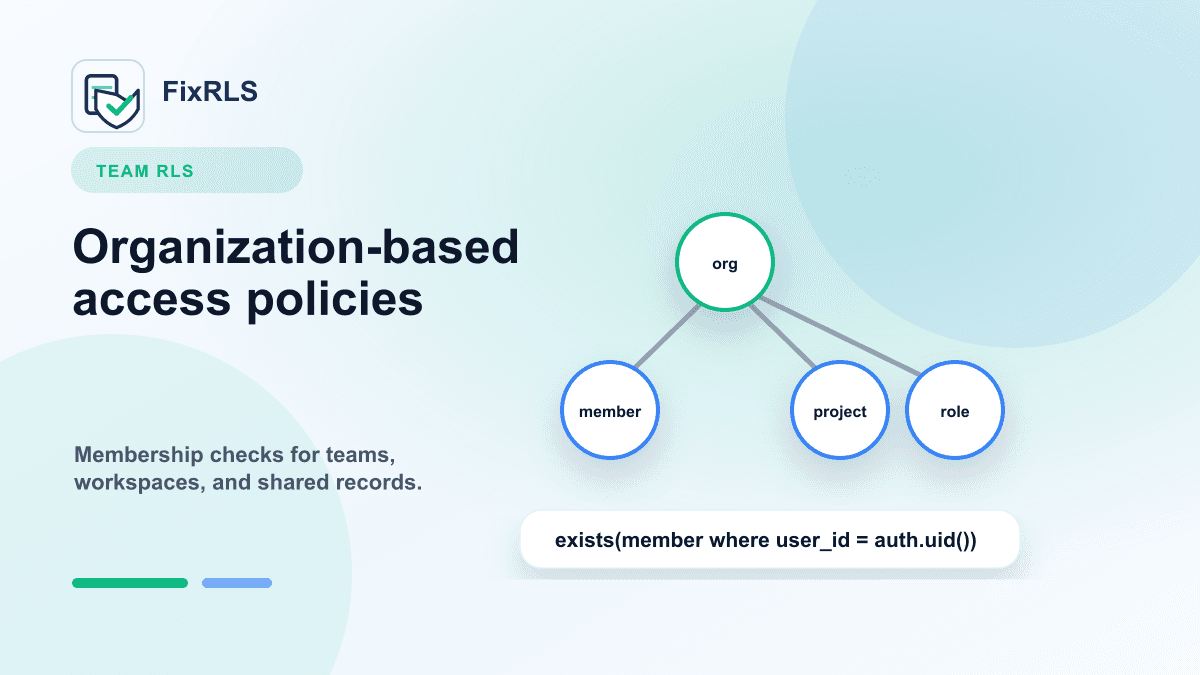
Supabase RLS for Team and Organization Apps: A Practical Starting Point
A starting point for Supabase RLS policies in team, organization, workspace, and shared-record apps.
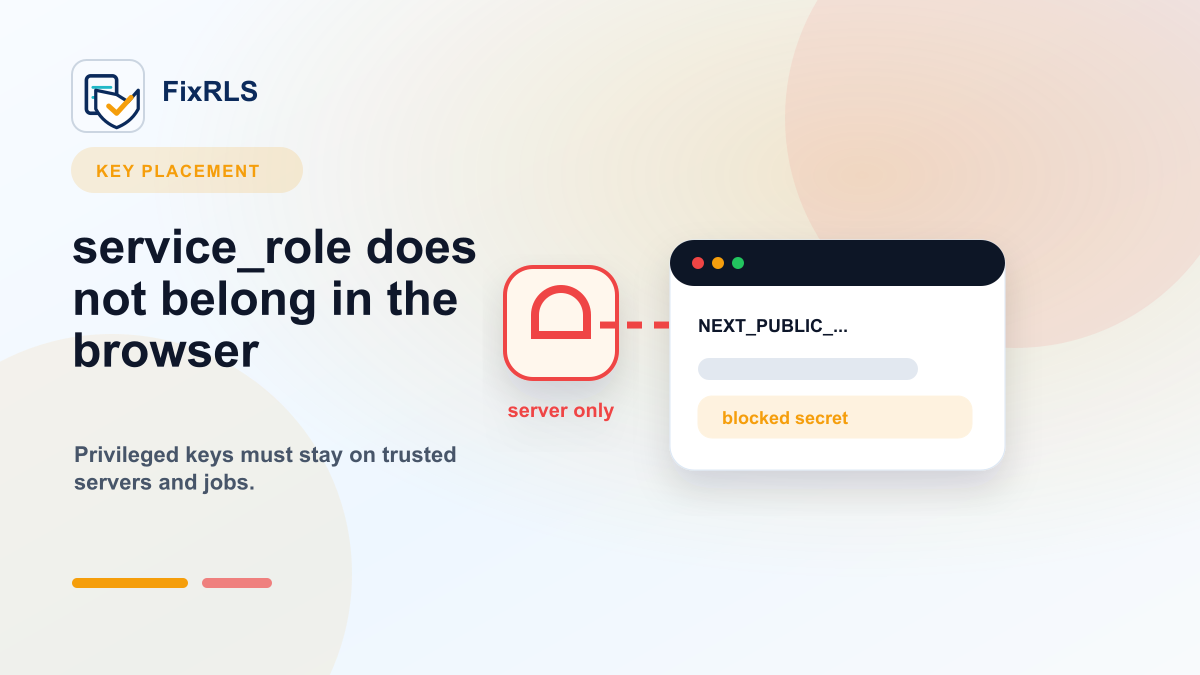
Why You Should Never Put Your Supabase `service_role` Key in the Frontend
Why the Supabase service_role key must stay out of browser code and what to do if it leaked.
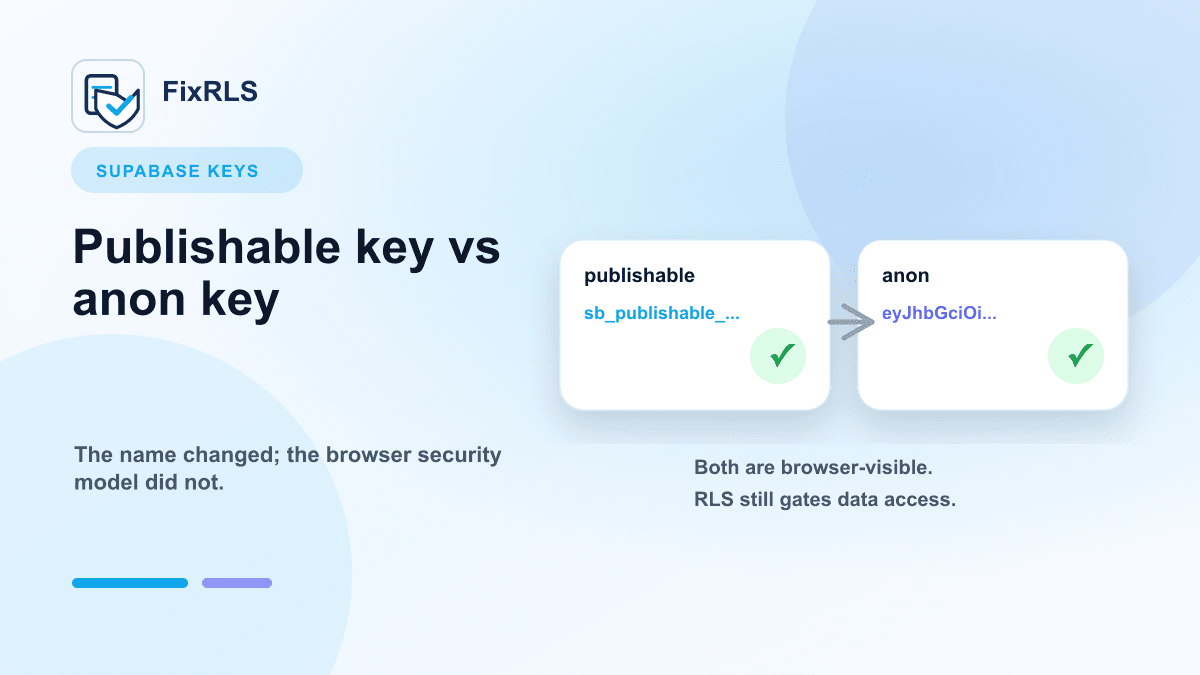
Supabase Publishable Key vs Anon Key: What Actually Matters
What matters when choosing between Supabase publishable keys and anon keys for frontend apps.
Newsletter
Join the community
Subscribe to our newsletter for the latest news and updates