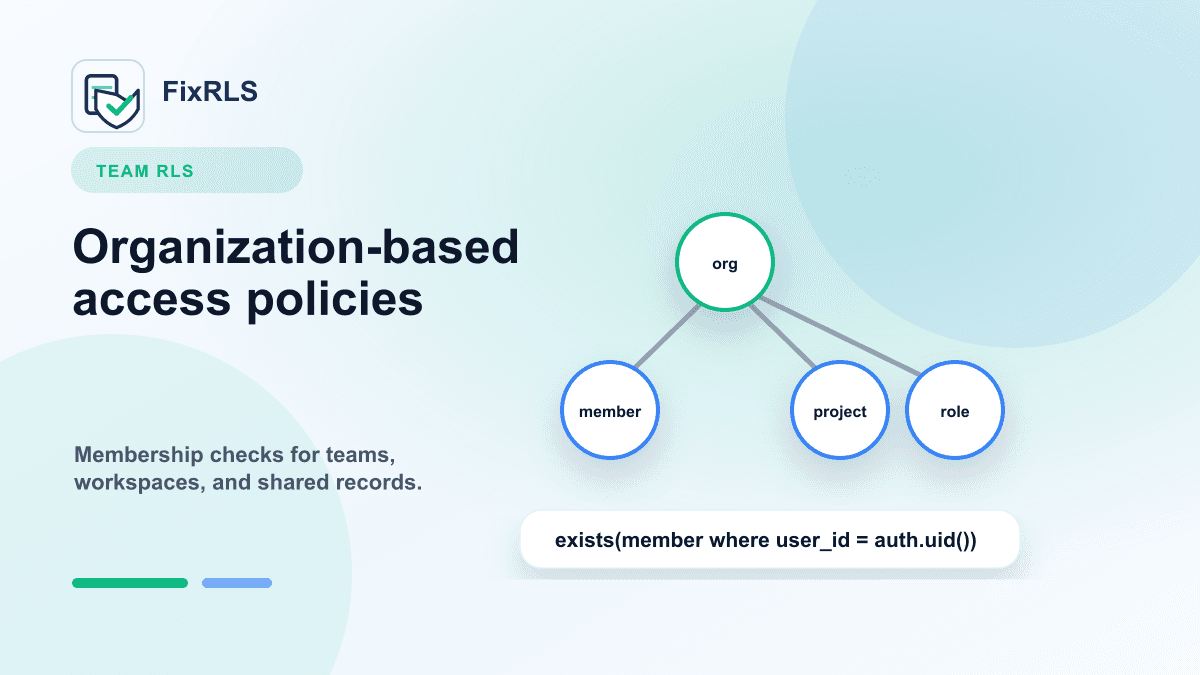
Supabase RLS for Team and Organization Apps: A Practical Starting Point
A starting point for Supabase RLS policies in team, organization, workspace, and shared-record apps.
Many Supabase RLS examples show simple user-owned rows:
auth.uid() = user_idThat pattern is useful, but many real apps are not purely single-user apps.
They have:
- teams
- organizations
- workspaces
- projects
- shared records
- members with roles
That is where Supabase RLS becomes more interesting.
This post shows a practical starting point for organization-based access.
The basic schema
Imagine an app with organizations and members.
create table organizations (
  id uuid primary key default gen_random_uuid(),
  name text not null,
  created_at timestamptz default now()
);

create table organization_members (
  organization_id uuid not null references organizations(id),
  user_id uuid not null,
  role text not null default 'member',
  created_at timestamptz default now(),
  primary key (organization_id, user_id)
);

create table projects (
  id uuid primary key default gen_random_uuid(),
  organization_id uuid not null references organizations(id),
  name text not null,
  created_at timestamptz default now()
);
A project belongs to an organization.
A user can access projects only if they are a member of that organization.
Enable RLS
alter table organizations enable row level security;
alter table organization_members enable row level security;
alter table projects enable row level security;
Once RLS is enabled, access is denied unless policies allow it.
The core membership check
The core condition is:
exists (
  select 1
  from organization_members om
  where om.organization_id = projects.organization_id
    and om.user_id = auth.uid()
)
This says:
The current user can access this project if they are a member of the project's organization.
Project select policy
create policy "Members can view organization projects"
on projects
for select
to authenticated
using (
  exists (
    select 1
    from organization_members om
    where om.organization_id = projects.organization_id
      and om.user_id = auth.uid()
  )
);
This prevents users from reading projects in organizations they do not belong to.
Project insert policy
For inserts:
create policy "Members can create organization projects"
on projects
for insert
to authenticated
with check (
  exists (
    select 1
    from organization_members om
    where om.organization_id = projects.organization_id
      and om.user_id = auth.uid()
  )
);
This prevents users from creating projects inside organizations where they are not members.
Role-based update policy
Maybe only admins can update projects.
create policy "Admins can update organization projects"
on projects
for update
to authenticated
using (
  exists (
    select 1
    from organization_members om
    where om.organization_id = projects.organization_id
      and om.user_id = auth.uid()
      and om.role = 'admin'
  )
)
with check (
  exists (
    select 1
    from organization_members om
    where om.organization_id = projects.organization_id
      and om.user_id = auth.uid()
      and om.role = 'admin'
  )
);
This is more restrictive than the select policy.
Members can read.
Admins can update.
What to be careful about
Organization RLS is easy to get almost right.
Common mistakes include:
- Checking only
auth.uid()but not organization membership. - Allowing inserts into any
organization_id. - Forgetting
WITH CHECKon inserts or updates. - Allowing users to change
organization_idduring updates. - Giving all authenticated users access with
using (true).
The dangerous bugs are often cross-tenant bugs.
User-owned apps leak one person's data.
Organization apps can leak an entire team's data.
Test the negative case
For org-based RLS, test:
- Member of Org A can read Org A project.
- Member of Org A cannot read Org B project.
- Non-member cannot insert into Org A.
- Member cannot update a project if only admins should update.
- User cannot move a project into another organization.
The last test is easy to miss.
AI-generated apps often skip this layer
AI coding tools can quickly generate tables and CRUD screens.
But they often do not fully model:
- membership tables
- role checks
- cross-organization isolation
- update constraints
- proof-of-fix tests
That is why organization RLS deserves deliberate review.
A tool I built
I built FixRLS to generate Supabase RLS starting points, AI repair prompts, and proof-of-fix tests for common ownership and organization patterns.
It does not connect to your Supabase project and does not ask for secrets.
Start here:
https://fixrls.dev/new-row-violates-row-level-security-policy
Final thought
For team apps, the central question is not:
Does this row belong to the user?It is:
Is this user a member of the organization that owns this row?Once you model that clearly, your RLS policies become much easier to reason about.
Related FixRLS page
For this specific issue, use the matching FixRLS page: https://fixrls.dev/new-row-violates-row-level-security-policy
Author

Categories
More Posts
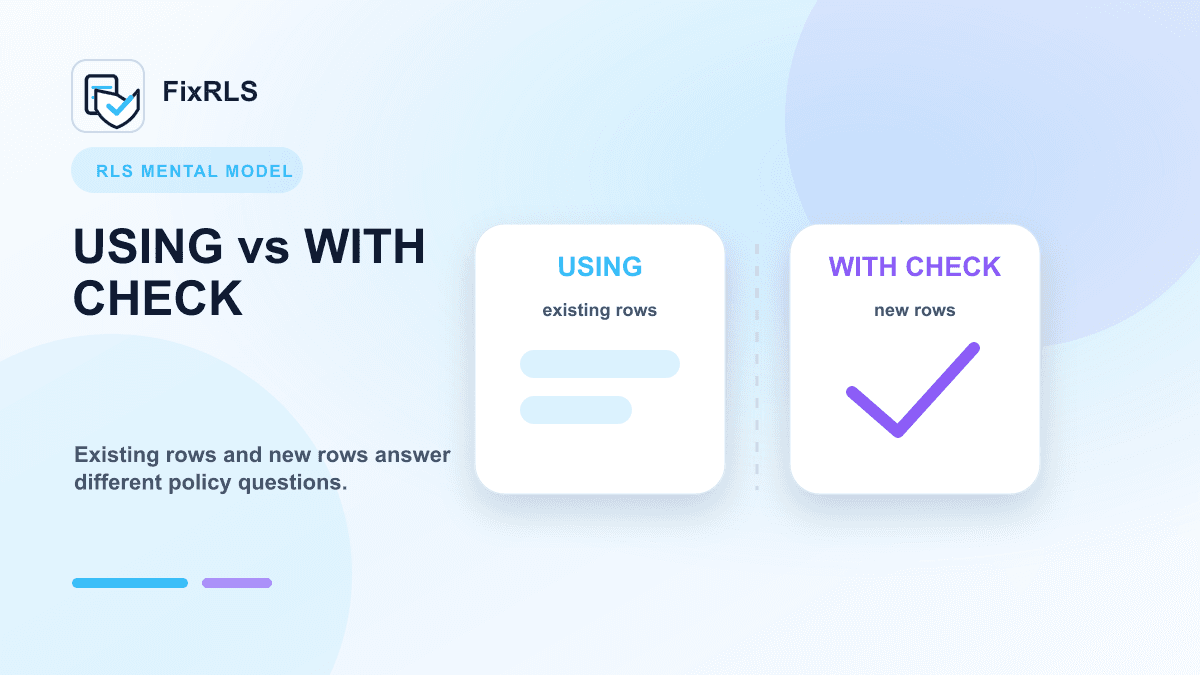
Supabase RLS: `USING` vs `WITH CHECK` Explained with Examples
Clear examples showing how USING and WITH CHECK answer different Supabase RLS policy questions.
Why You Should Never Put Your Supabase `service_role` Key in the Frontend
Why the Supabase service_role key must stay out of browser code and what to do if it leaked.
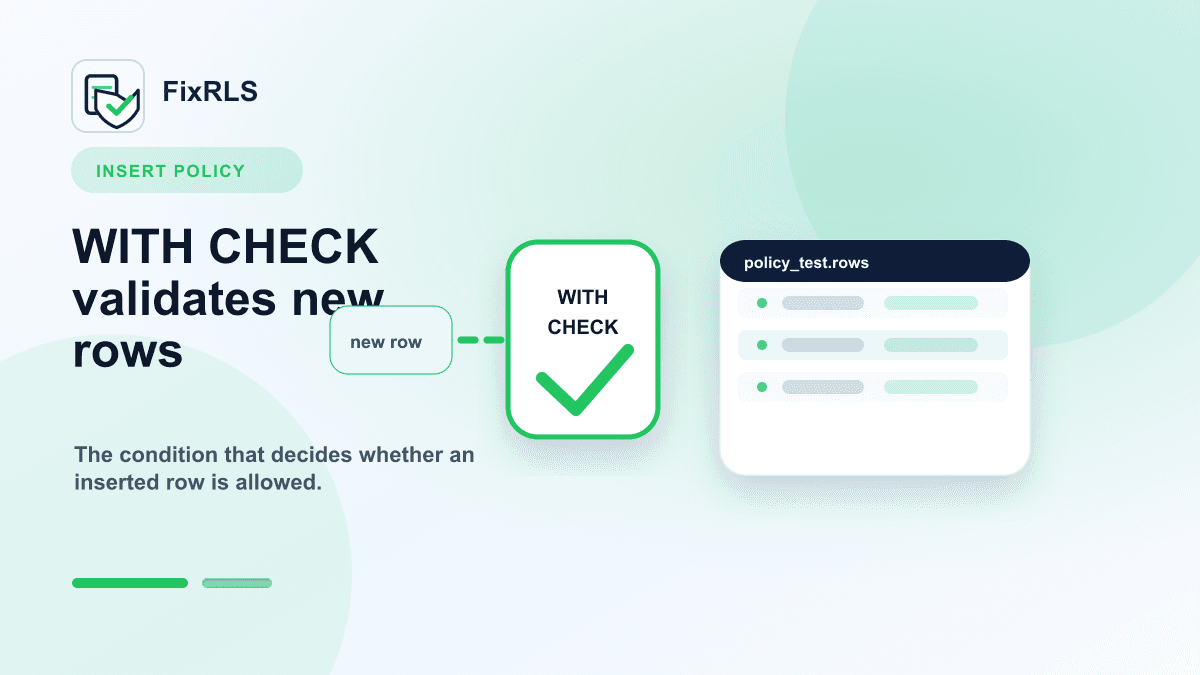
Supabase RLS INSERT Policies: Why `WITH CHECK` Matters
Why Supabase INSERT policies need WITH CHECK and how that differs from USING for existing rows.
Newsletter
Join the community
Subscribe to our newsletter for the latest news and updates