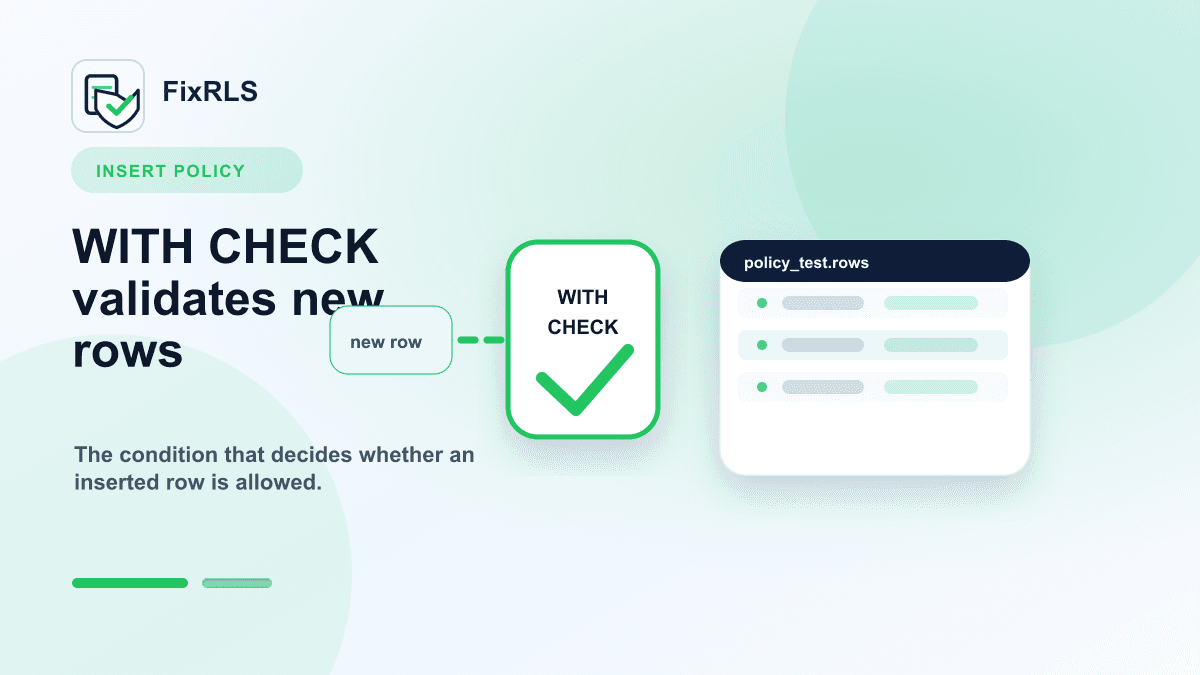
Supabase RLS INSERT Policies: Why `WITH CHECK` Matters
Why Supabase INSERT policies need WITH CHECK and how that differs from USING for existing rows.
One of the most confusing parts of Supabase Row Level Security is the difference between USING and WITH CHECK.
This confusion often appears when developers try to insert a row and get:
new row violates row-level security policyThe query looks valid.
The user is logged in.
The table exists.
But the insert fails.
In many cases, the missing piece is a WITH CHECK policy.
The short version
For Supabase RLS:
USINGcontrols which existing rows a user can access.WITH CHECKcontrols which new or changed rows a user is allowed to create or update.
For INSERT, you almost always need WITH CHECK.
Example table
Imagine this table:
create table notes (
  id uuid primary key default gen_random_uuid(),
  user_id uuid not null,
  body text not null,
  created_at timestamptz default now()
);
Each note belongs to one user.
The app should allow:
- authenticated users to insert their own notes
- authenticated users to read only their own notes
Enable RLS
First, RLS must be enabled:
alter table notes enable row level security;Once RLS is enabled, access is denied unless a policy allows it.
This is why apps suddenly break after enabling RLS.
That behavior is expected.
The insert policy
For inserts, use WITH CHECK:
create policy "Users can insert their own notes"
on notes
for insert
to authenticated
with check (
  auth.uid() = user_id
);
This means:
The authenticated user can insert a row only when the new row's user_id equals their Supabase auth user id.
If the frontend tries to insert a row with a different user_id, Supabase rejects it.
That is exactly what you want.
The select policy
For reads, use USING:
create policy "Users can read their own notes"
on notes
for select
to authenticated
using (
  auth.uid() = user_id
);
This means:
The authenticated user can only see existing rows where user_id matches their auth id.
Why USING alone is not enough for inserts
A common mistake is writing only this policy:
create policy "Users can access their own notes"
on notes
for all
to authenticated
using (
  auth.uid() = user_id
);
This might look reasonable, but it can fail or behave differently than expected depending on the operation.
For INSERT, Supabase needs to validate the row being created. That is the job of WITH CHECK.
A safer pattern is to write separate policies for each operation:
create policy "Users can insert their own notes"
on notes
for insert
to authenticated
with check (
  auth.uid() = user_id
);

create policy "Users can read their own notes"
on notes
for select
to authenticated
using (
  auth.uid() = user_id
);
Separate policies are easier to reason about and easier to test.
What about updates?
For updates, you often need both:
create policy "Users can update their own notes"
on notes
for update
to authenticated
using (
  auth.uid() = user_id
)
with check (
  auth.uid() = user_id
);
Here is the mental model:
USINGdecides which existing rows the user may update.WITH CHECKdecides what the updated row is allowed to look like.
This prevents a user from changing the row ownership during an update.
What AI coding tools often miss
AI coding tools are very good at generating tables and client code.
They are less reliable at generating the exact RLS policies your schema needs.
When an app is generated quickly, it is common to end up with:
- RLS enabled
- no insert policy
- a frontend insert call
- a confusing runtime error
That is how many developers end up searching for the same error message.
A practical debugging checklist
When an insert fails, check:
- Is RLS enabled on the table?
- Is the request using the authenticated client?
- Does the table have an
INSERTpolicy? - Does the policy use
WITH CHECK? - Does the inserted row include the correct owner column?
- Does that owner column match
auth.uid()?
Most bugs are in steps 3, 4, or 5.
A tool for generating starting points
I built FixRLS to generate RLS policy starting points and proof-of-fix tests for common Supabase patterns.
It does not connect to Supabase and does not ask for secrets. It just helps you get from "what policy do I probably need?" to a copy-paste starting point.
Try the RLS fix kit here:
https://fixrls.dev/new-row-violates-row-level-security-policy
Final thought
If you remember one thing, remember this:
WITH CHECK protects what a user is allowed to create or change.
For Supabase insert errors, that is often the missing piece.
Related FixRLS page
For this specific issue, use the matching FixRLS page: https://fixrls.dev/new-row-violates-row-level-security-policy
Author

Categories
USING alone is not enough for insertsWhat about updates?What AI coding tools often missA practical debugging checklistA tool for generating starting pointsFinal thoughtFor Supabase insert errors, that is often the missing piece.Related FixRLS pageMore Posts
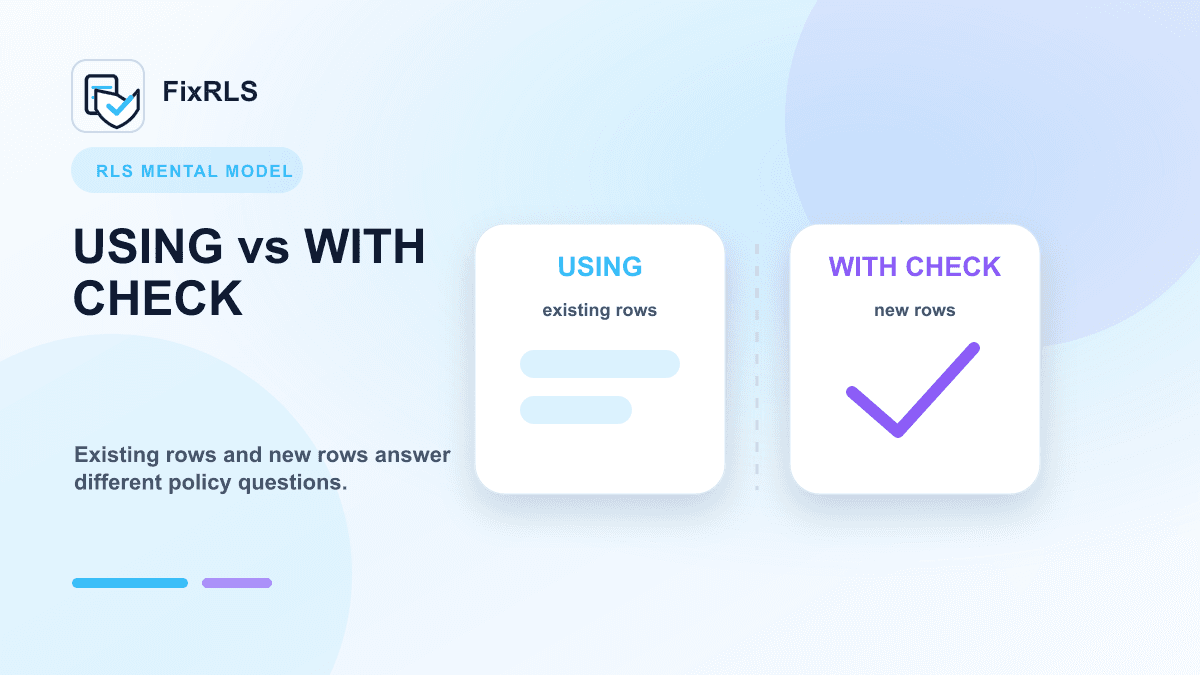
Supabase RLS: `USING` vs `WITH CHECK` Explained with Examples
Clear examples showing how USING and WITH CHECK answer different Supabase RLS policy questions.
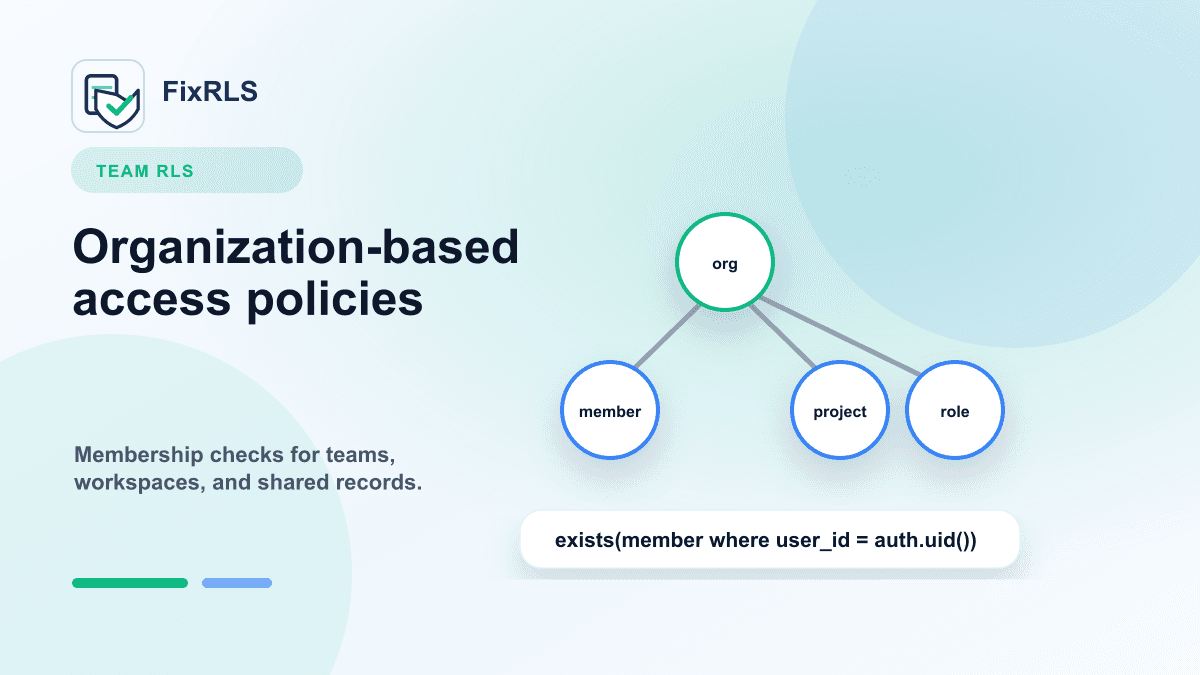
Supabase RLS for Team and Organization Apps: A Practical Starting Point
A starting point for Supabase RLS policies in team, organization, workspace, and shared-record apps.
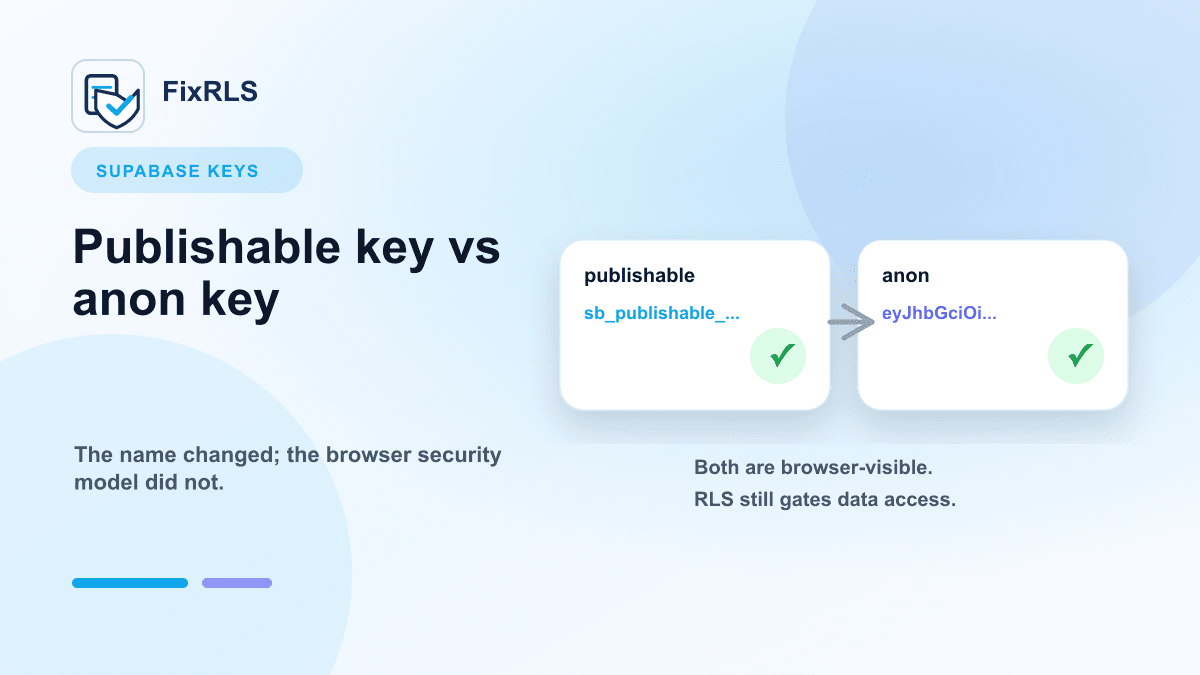
Supabase Publishable Key vs Anon Key: What Actually Matters
What matters when choosing between Supabase publishable keys and anon keys for frontend apps.
Newsletter
Join the community
Subscribe to our newsletter for the latest news and updates